From first blocks to real robots
AI, robotics and STEAM from kindergarten to grade 10. A complete school technology system: a curriculum for every grade, hands-on kits, teacher training, classroom delivery and assessment, from a first robot to applied AI.
- Learn
- Build
- Code
- Innovate
- Lead

Not only a syllabus. Not only a kit.
One implementation model for the whole school: curriculum, hardware, training, delivery and measurable student outcomes.
Curriculum
A grade-by-grade learning map that fits the school timetable.
Kits
Hands-on robotics and electronics resources matched to each level.
Teacher training
Teachers prepared to deliver it, with support and certification.
Classroom system
Every lesson ends in something students built, coded and explained.
Innovation pathway
Advanced AI and robotics, and a route towards research projects.
Grade by grade
From kindergarten to grade 10, every grade has its own curriculum, kits, activities and a project to show for it. Choose a grade to see what students learn and what they build.
Kindergarten
KG1 to KG3Ages 3 to 6
What students learn
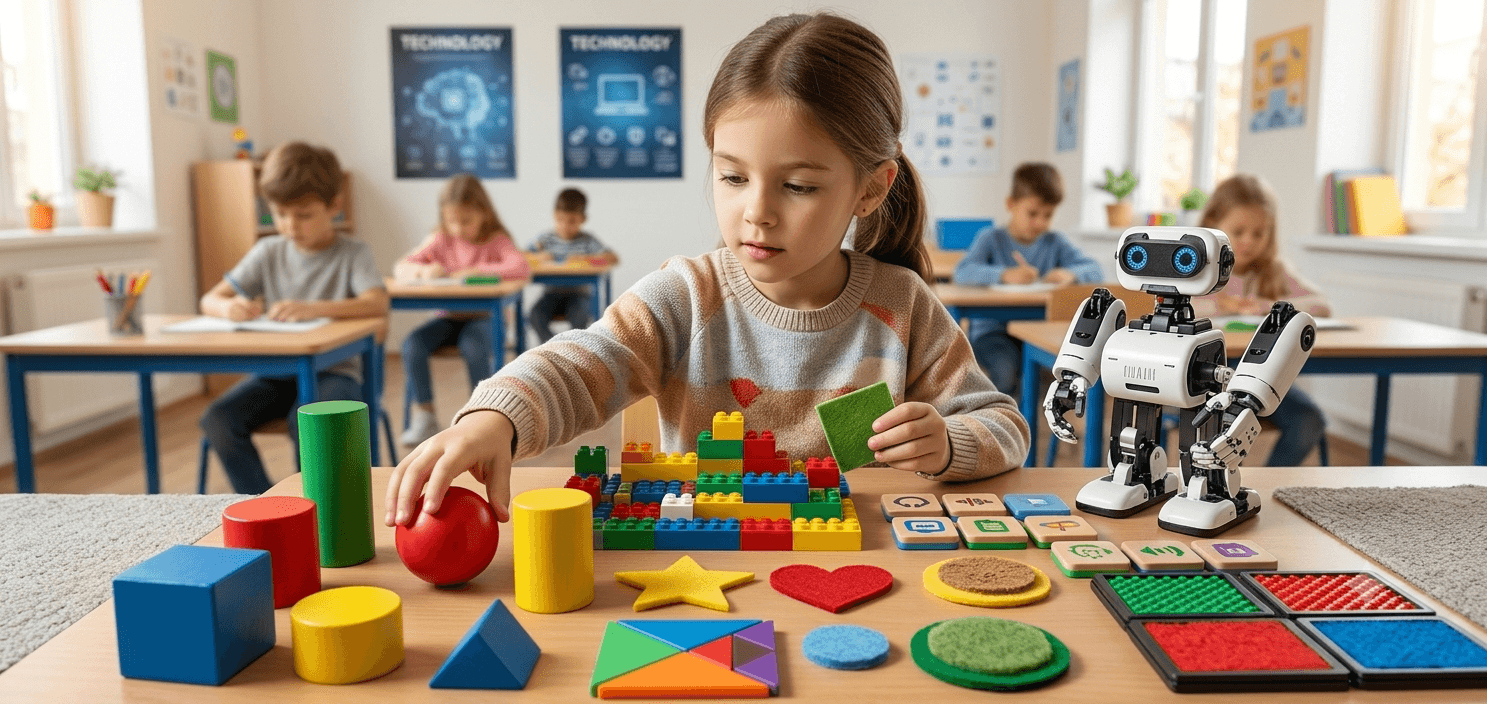
Large construction pieces and simple cause-and-effect tasks first, then screen-free coding.
Screen-free discovery and construction: large pieces, cause and effect, and first coding with blocks and cards.
What they build and do
- KG1: build with big pieces and set a model moving by snapping magnetic coding blocks together
- KG2: add sound, touch and distance sensing, then give commands with a coding pen and cards
- KG3: build a vehicle that measures distance and follows a line, coded on a smart panel
Kits and tools
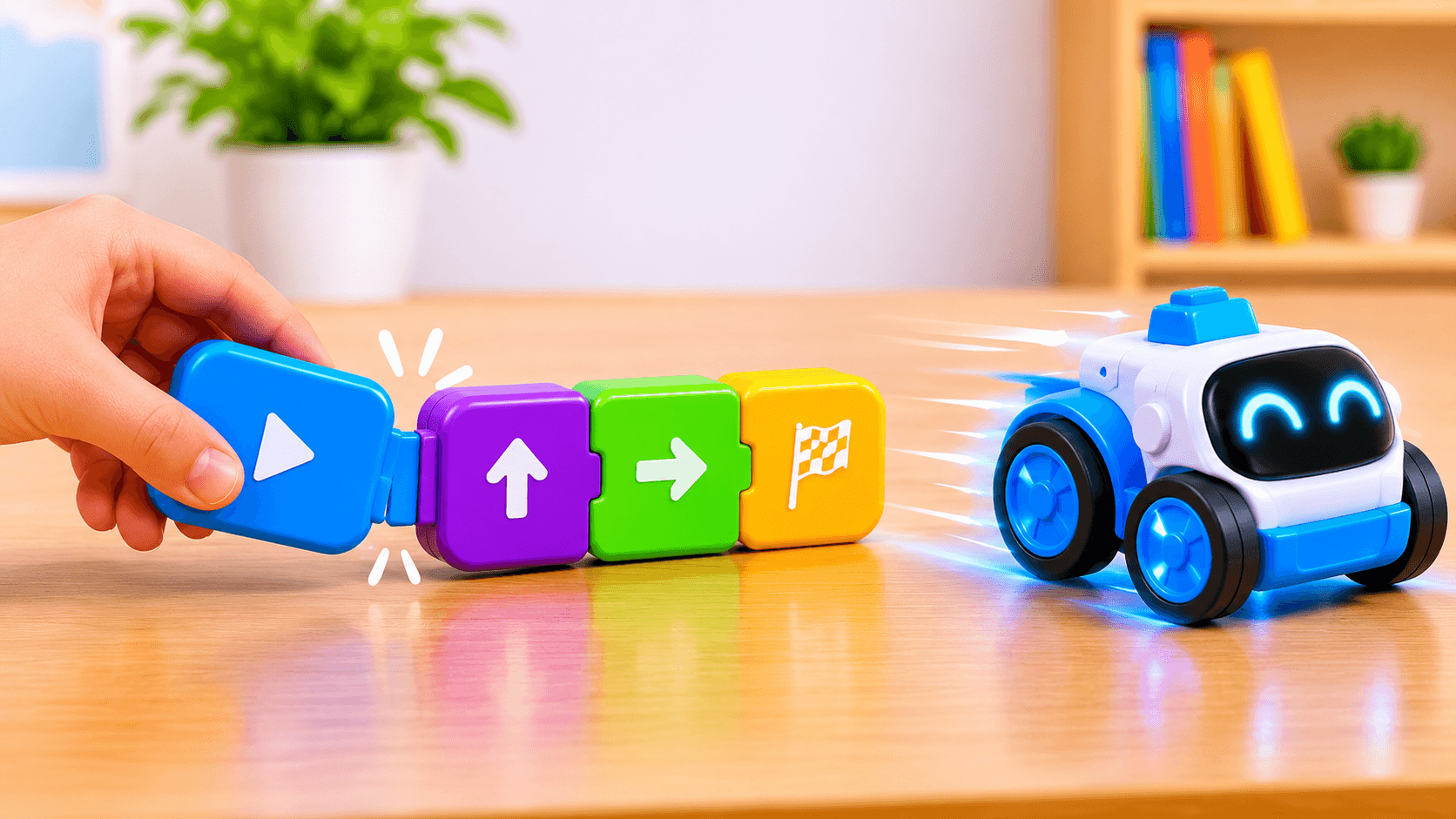
Starter Kit 01
Big, colourful pieces and magnetic coding blocks: snap the blocks together and the model moves.
- 82 large pieces
- Infrared sensor, buzzer and lights
- Magnetic coding blocks
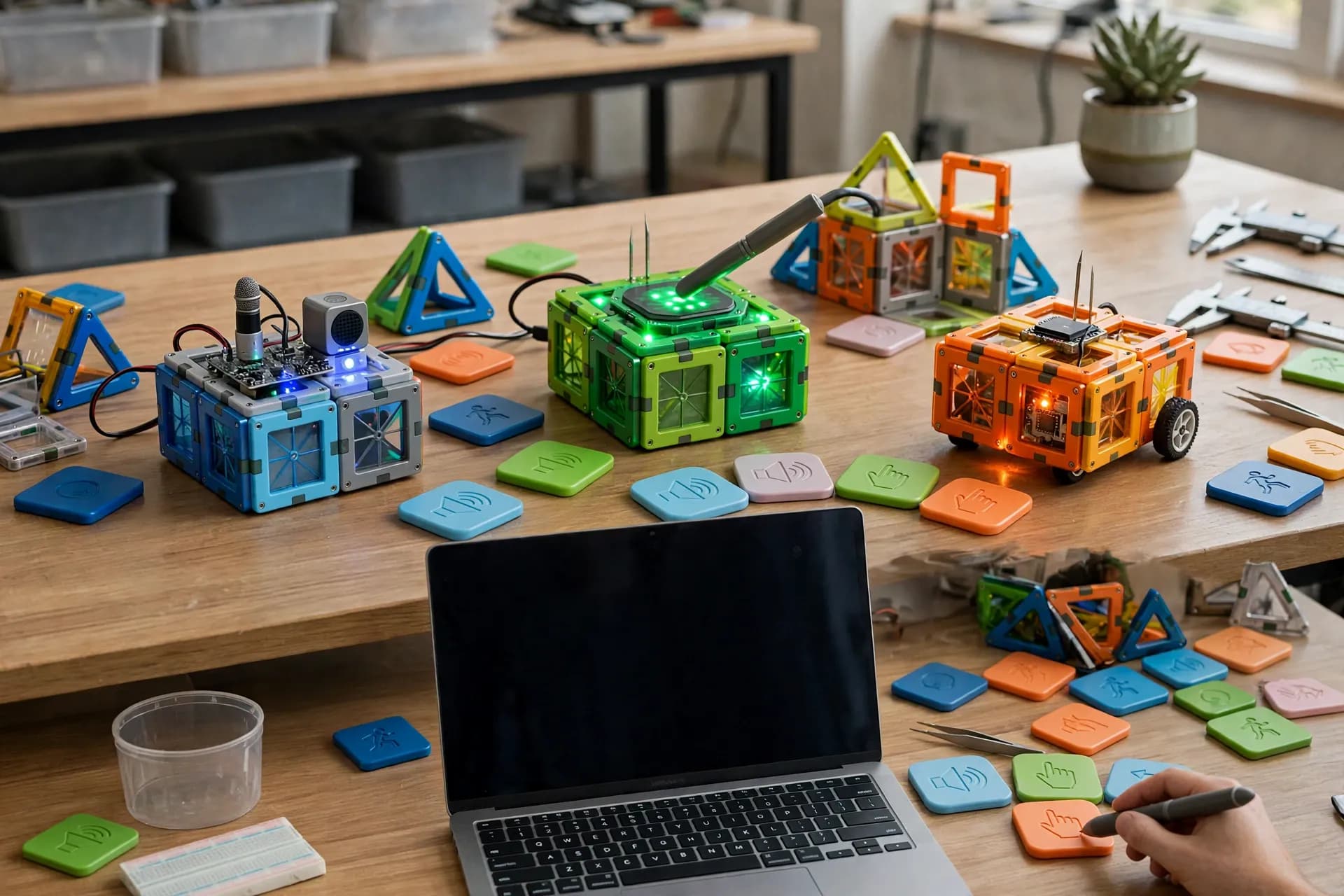
Starter Kit 02
More pieces and more senses: models that react to sound, touch and movement, coded with magnetic blocks.
- 137 large pieces
- Sound, touch and infrared sensors
- Magnetic coding blocks
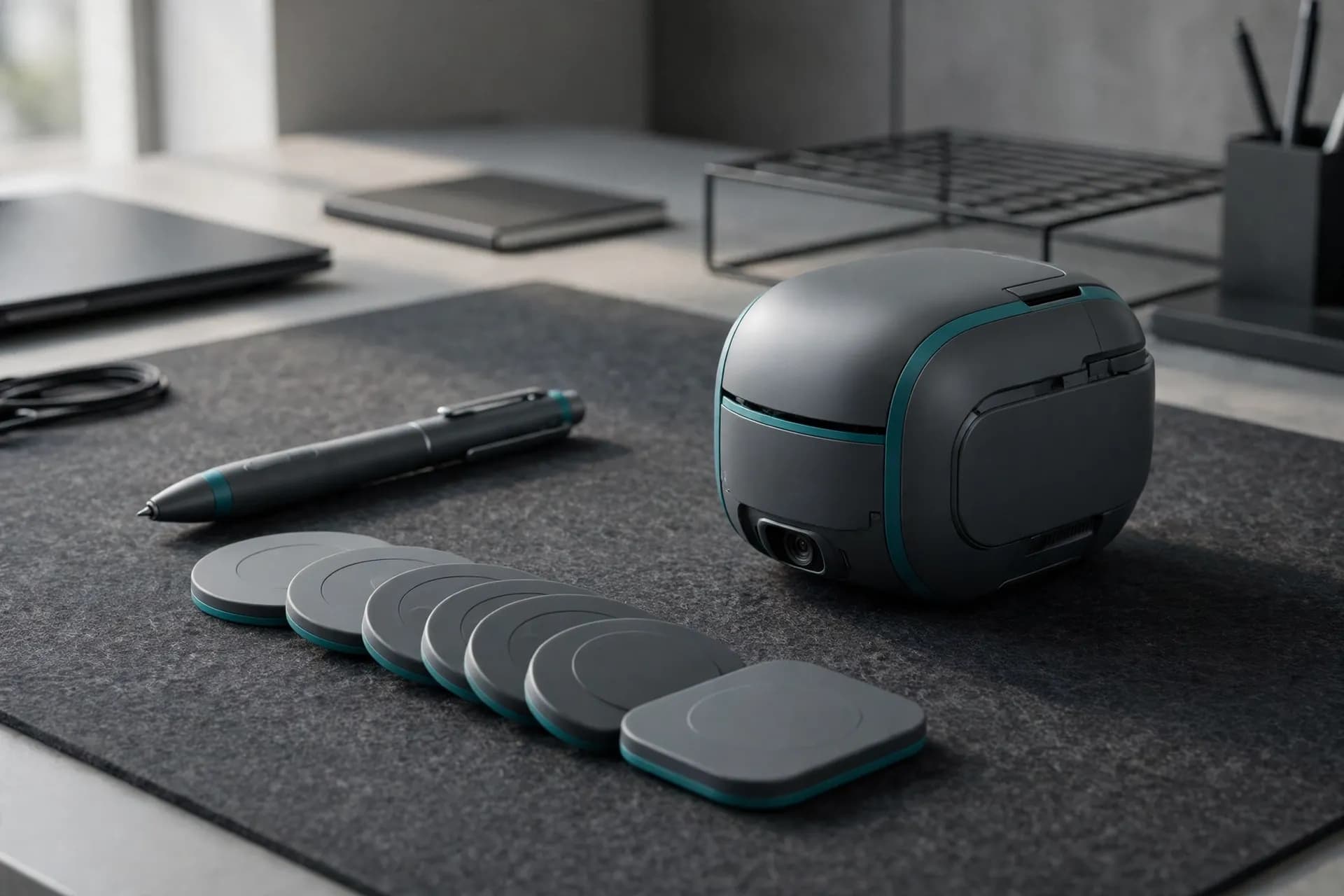
Starter Kit 03
Safe, rounded pieces and a coding pen: tap the coding cards and the robot follows.
- 80 rounded pieces
- Motors, light and speaker built in
- Coding pen and cards
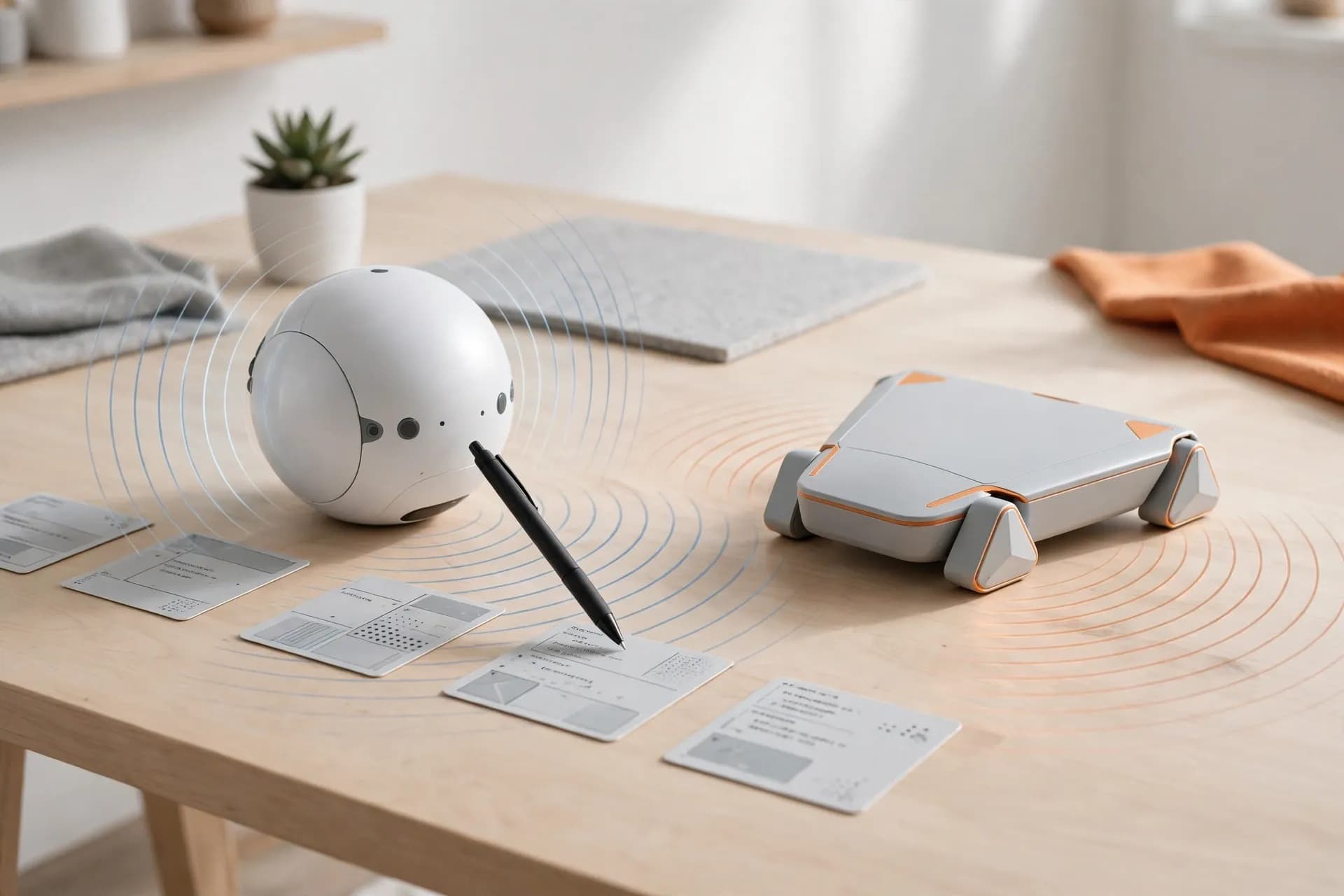
Starter Kit 04
Models that move around and measure distance, programmed by tapping a pen on coding cards.
- 131 large pieces
- Smart motor and ultrasonic sensor
- 52 coding cards
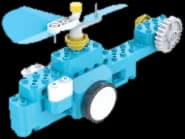
Starter Kit 05
Build a model, then bring it to life by placing magnetic coding cards on a smart panel. No screen needed.
- 170 pieces
- Ultrasonic and line sensors
- Screen-free coding
Grade 1
ExploreAges 6 to 7
What students learn
Safe technology exploration, making, patterns and simple machines.
Creative STEAM foundations: logical thinking, simple machines and basic science.
What they build and do
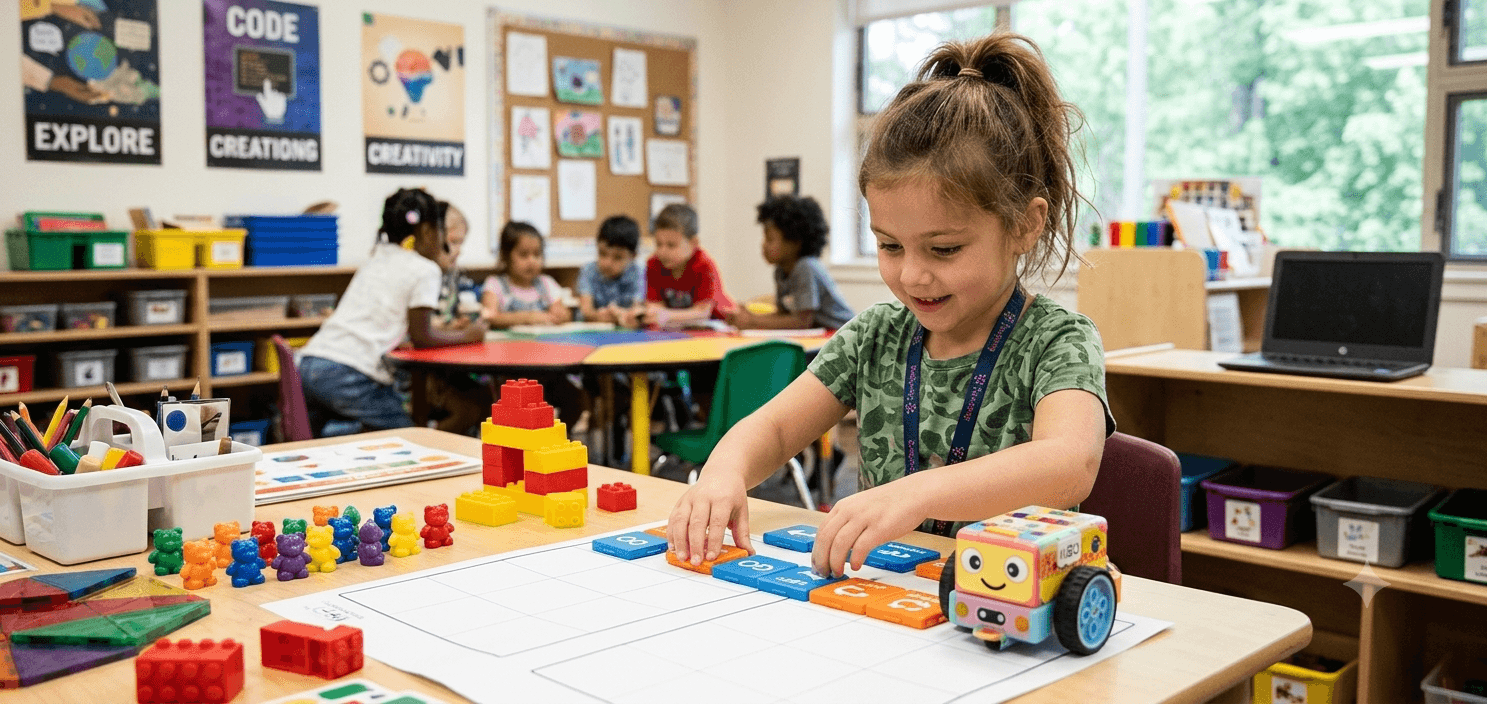
- Build a forklift and program its moves on the coding pad
- Follow a sequence, then explain what the program does
- Tell a story with a robot friend, using its sounds, lights and expressions
Kits and tools
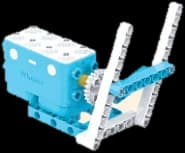
Coding Kit 01
Build robots and program them on a screen-free coding pad that understands more than 100 commands.
- 135 pieces
- Line-following sensor
- Coding pad

AI Companion 01
A friendly learning robot for conversation, storytelling and drag-and-drop coding.
- Nine sensors, from touch to distance
- Full-colour touchscreen face
- Up to 4 hours a charge
Grade 2
ExploreAges 7 to 8
What students learn
Logic, sequencing, simple coding and creative mechanisms.
Creative STEAM foundations: logical thinking, simple machines and basic science.
What they build and do
- Build a race car and gear trains, and see how gears change speed and force
- Practise block coding, then test a car that follows a line
- Code a robot friend with drag-and-drop blocks to talk, move and react
Kits and tools
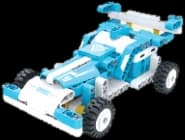
Coding Kit 02
Bigger mechanisms and real code: race cars and gear trains, programmed in Scratch, C or Python.
- 390 pieces
- Line-following sensor
- Scratch, C and Python
Coding for Intermediate Learners
Two ways to code: a screen-free coding pad, or software with loops and if-else in Scratch and text.
- Coding pad
- Scratch and text-based code
AI Companion 02
AI-supported conversation, storytelling and creative coding, with projects in logical thinking and problem solving.
- Camera and two microphones
- Eight sensors
- Up to 4 hours a charge
Grade 3
FoundationAges 8 to 9
What students learn
Block coding, basic electronics, sensors and guided builds.
Electronics and block coding: sensors, circuits, guided builds and simple robots.
What they build and do
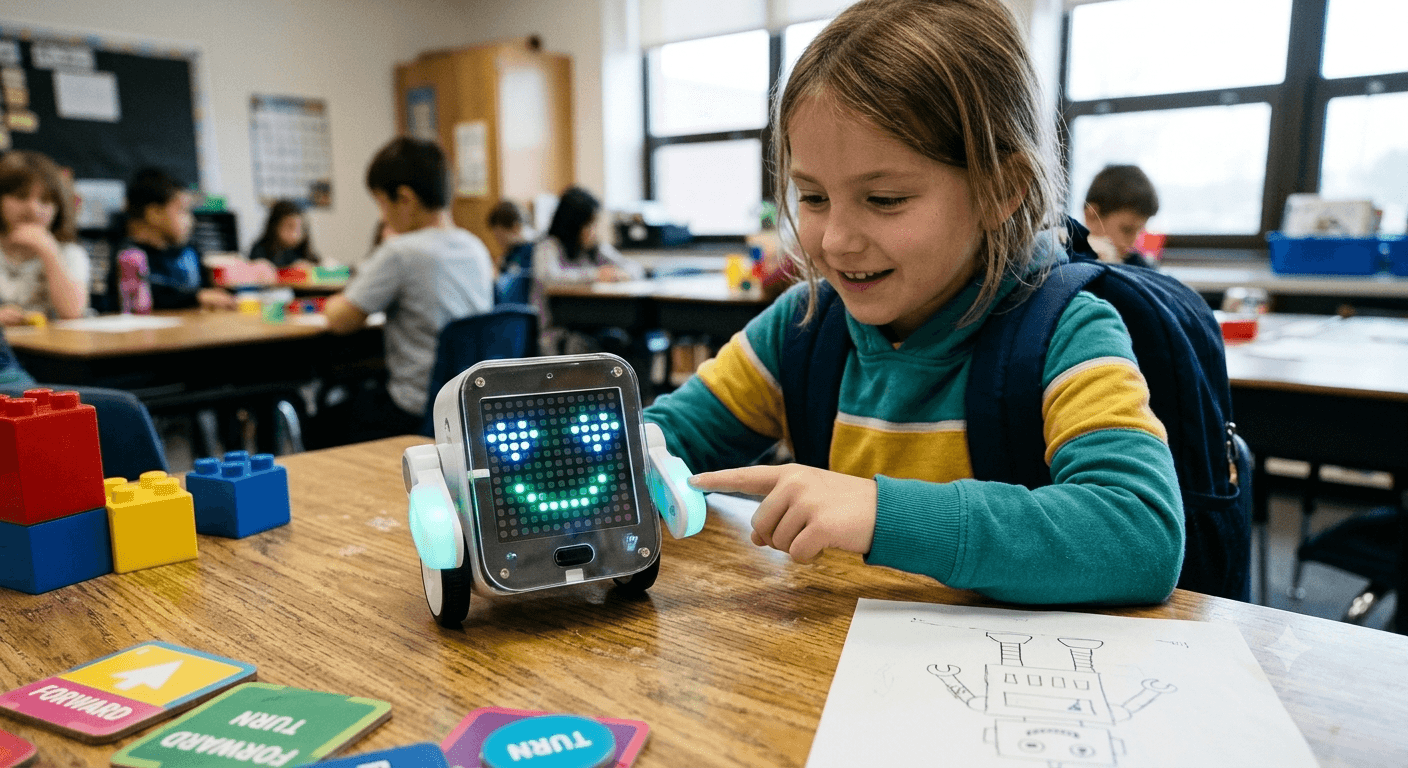
- Give a robot expressions on its display that change when it is touched
- Build an omni-wheel robot that sees with its image sensor
- Connect inputs and outputs in guided coding tasks
Kits and tools
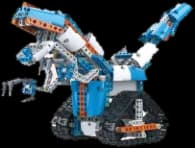
AI Kit 01
Robots that respond to touch and infrared, with a dot-matrix display for their expressions.
- 602 pieces
- Touch, infrared and line sensors
- Scratch, C and Python
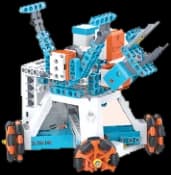
AI Kit 03
Omni wheels, gears and an image sensor, for robots that can see what is in front of them.
- 323 pieces
- Image, ultrasonic and touch sensors
- Scratch, C and Python
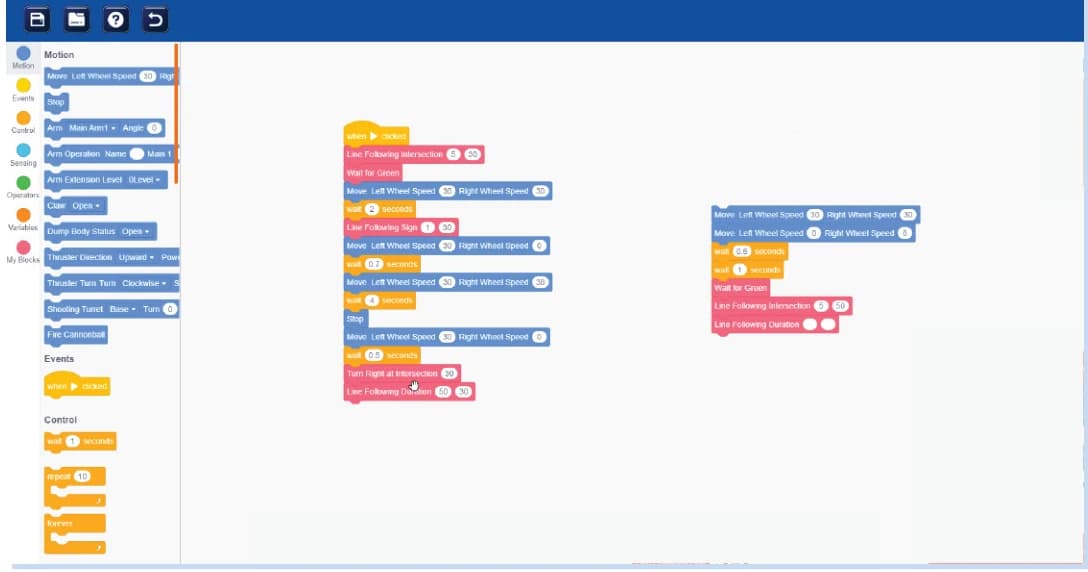
Visual Coding
Drag and connect blocks to build programs, and see how block commands become text code.
- Blocks to text
- Used with every kit
Grade 4
FoundationAges 9 to 10
What students learn
Robotics basics, mechanisms, smart devices and problem solving.
Electronics and block coding: sensors, circuits, guided builds and simple robots.
What they build and do
- Build a vehicle that reacts to colours and lights up to match
- Program a dancing robot moved by seven servo motors
- Improve a program by testing it and comparing sensor readings
Kits and tools
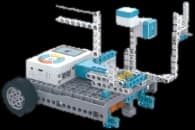
AI Kit 04
Colour, infrared and line sensing with an RGB light, on vehicles students design themselves.
- 315 pieces
- Colour sensor and RGB LED
- Scratch, C and Python
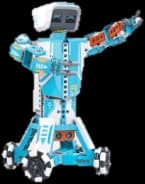
AI Kit 02
Seven servo motors for delicate, controlled movement, from a dancing robot to a walking one.
- 420 pieces
- 7 servo motors
- Scratch, C and Python
Grade 5
CreateAges 10 to 11
What students learn
Coding, sensors, automation challenges and structured projects.
Robotics and design thinking: motors, controllers, engineering design and first IoT.
What they build and do
- Build a robotic arm with complex transmissions and measure its movement
- Control a model with hand gestures
- Write longer programs that combine several sensors, from blocks towards C and Python
Kits and tools
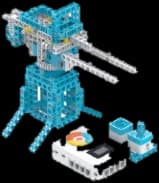
AI Kit 05
Complex transmissions and mechanisms, with gesture, colour and distance sensing and a rotary encoder.
- 520 pieces
- Six kinds of sensor
- Scratch, C and Python
Advanced Coding Software
Block coding that leads on to C and Python: build, test and refine programs on real robotics projects.
- Blocks to C and Python
- Used with the kits
Grade 6
CreateAges 11 to 12
What students learn
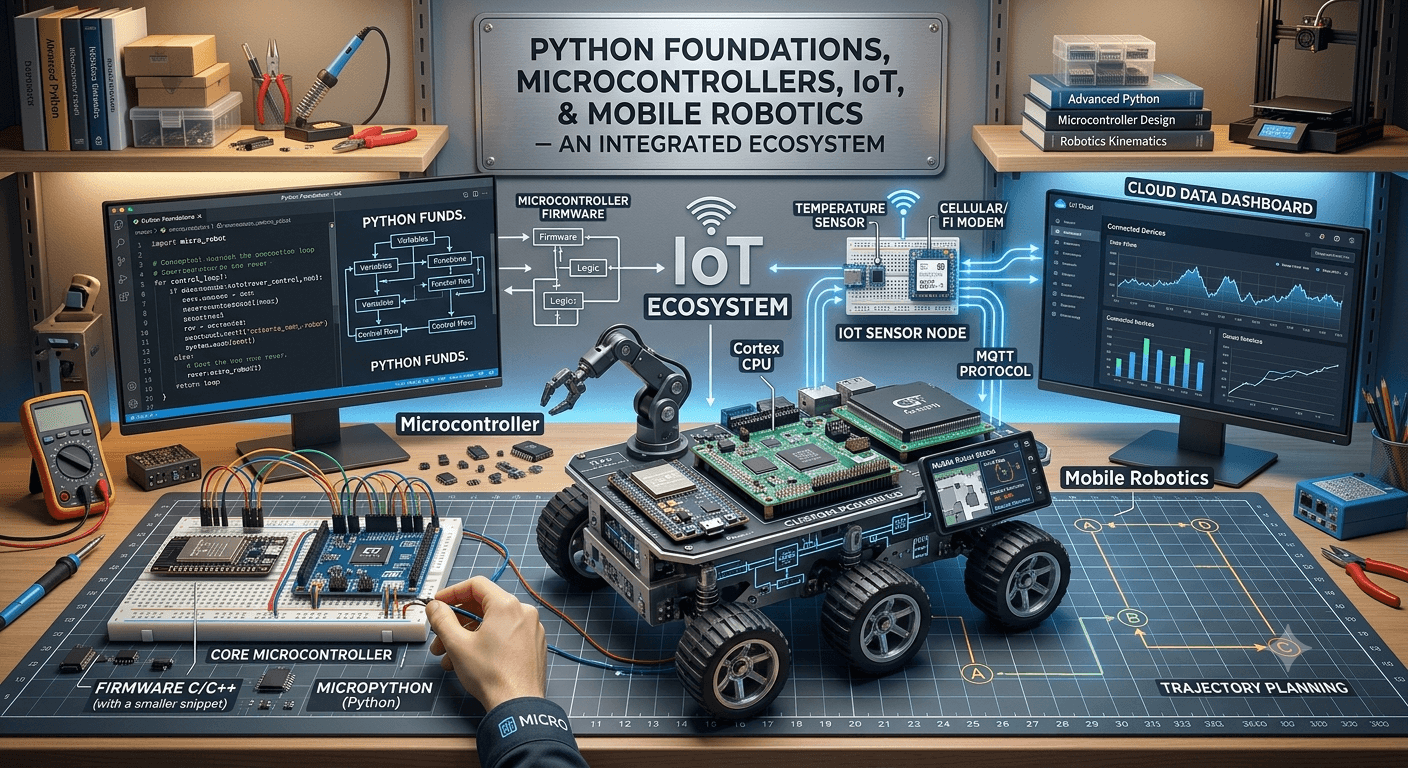
Python foundations, microcontrollers, IoT and mobile robotics.
Robotics and design thinking: motors, controllers, engineering design and first IoT.
What they build and do
- Program a mobile robot to follow lines and avoid obstacles
- Code the same robot in Scratch, then in Python
- Identify a drone’s components and plan a supervised coding experiment
Kits and tools
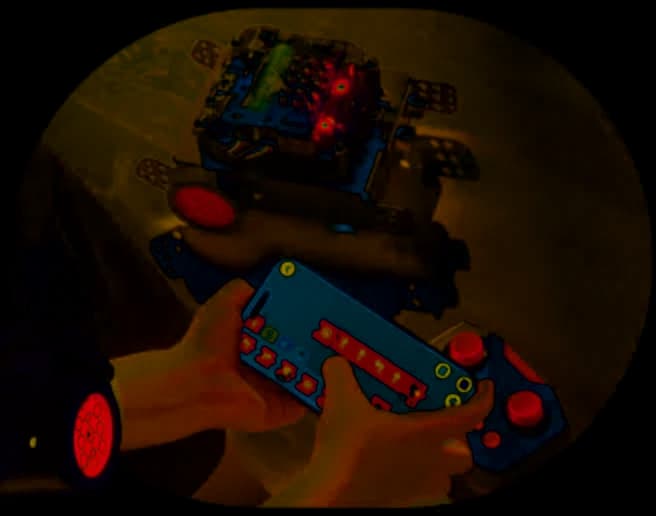
Mobile Robotics
A mobile robot for remote control, line following and obstacle avoidance, extended with add-on sensors.
- Remote and app control
- Line following and obstacle avoidance
- Scratch, C and Python
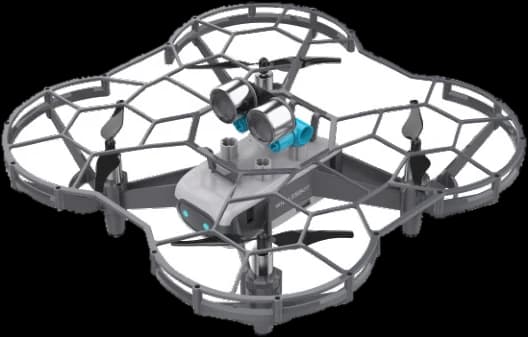
Drone Kit 01
A sensor-rich drone with laser ranging, optical flow and an AI image module, coded for autonomous flight.
- AI image module
- Up to 8 minutes a flight
- Scratch, Python and C
Grade 7
ConnectAges 12 to 13
What students learn
Embedded systems, connected devices, robotics and AI basics.
Automation and IoT systems: programming, embedded basics and connected devices.
What they build and do
- Build engineering models with integrated gearboxes, step by step
- Fly a caged mini drone safely: take off, hover and land
- Connect sensors and motors into a working automated system
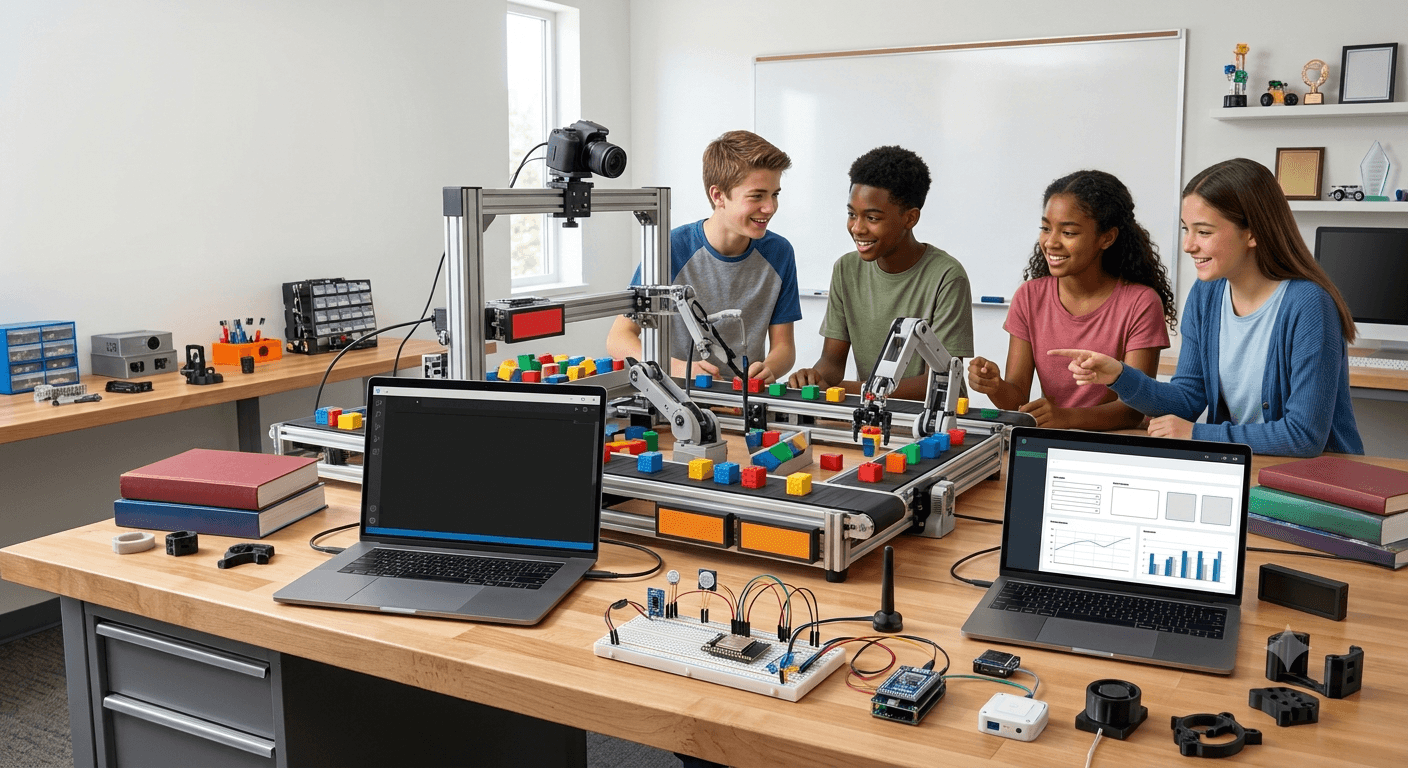
Kits and tools
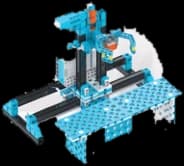
Engineering Kit 01
Six-sided building blocks and integrated gearboxes, for projects modelled on real engineering.
- 700+ pieces
- Step-by-step projects
- Scratch, Python and C

Drone Kit 02
A mini drone inside a protective cage, for safe first flights in the classroom.
- Under 42 g
- Two-joystick remote
- Over 6 minutes a flight
Grade 8
ConnectAges 13 to 14
What students learn
Advanced coding, computer vision, IoT and automation.
Automation and IoT systems: programming, embedded basics and connected devices.
What they build and do
- Take the engineering kit further with more demanding design tasks
- Program a drone and extend it with a servo and sensors
- Move from block code to written Python for the same task
Kits and tools
Engineering Kit 01
Six-sided building blocks and integrated gearboxes, for projects modelled on real engineering.
- 700+ pieces
- Step-by-step projects
- Scratch, Python and C
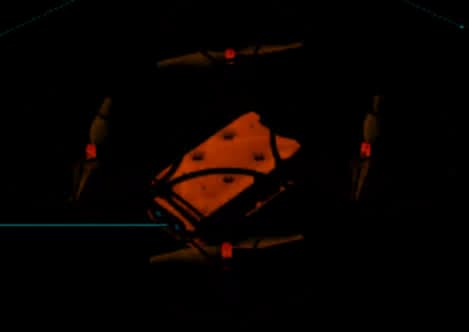
Drone Kit 03
A programmable drone with ports for servos, sensors and expansion modules.
- 6 motor ports and a servo
- Optical-flow and laser range sensors
- Bluetooth
Grade 9
InnovateAges 14 to 15
What students learn
Applied AI, robotics engineering, data and multidisciplinary projects.
AI and advanced robotics: Python, AI concepts, computer vision and prototypes.
What they build and do
- Build an all-terrain rover with a camera and a gripper
- Simulate a robot’s behaviour in a virtual city before building it
- Compare design solutions and present the best one as a team
Kits and tools
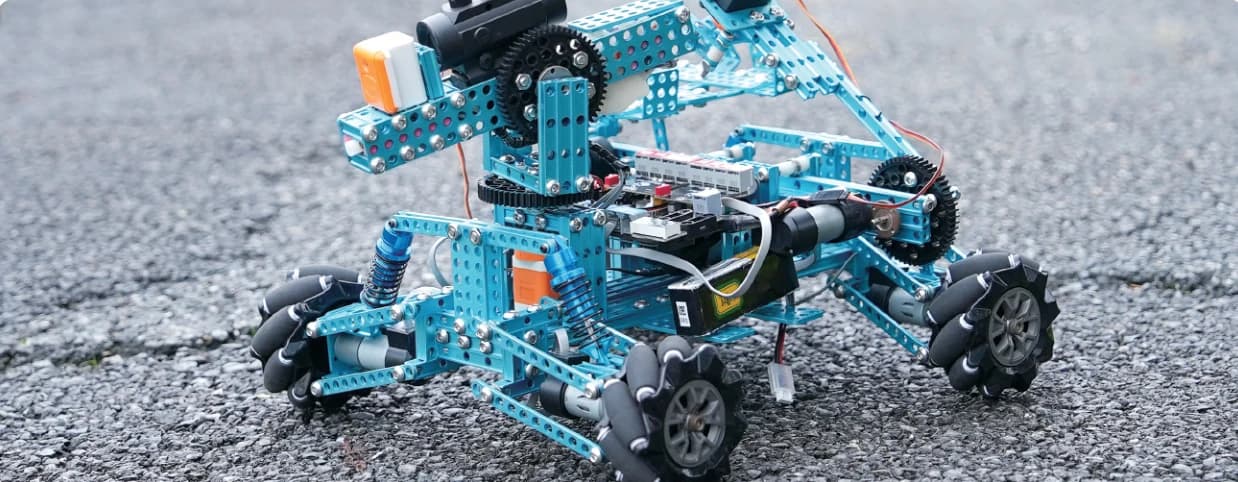
All-Terrain Robotics
An aluminium rover on mecanum wheels, with a camera and a gripper, built to move on any surface.
- Mecanum wheels
- Camera and gripper
- Aluminium alloy frame
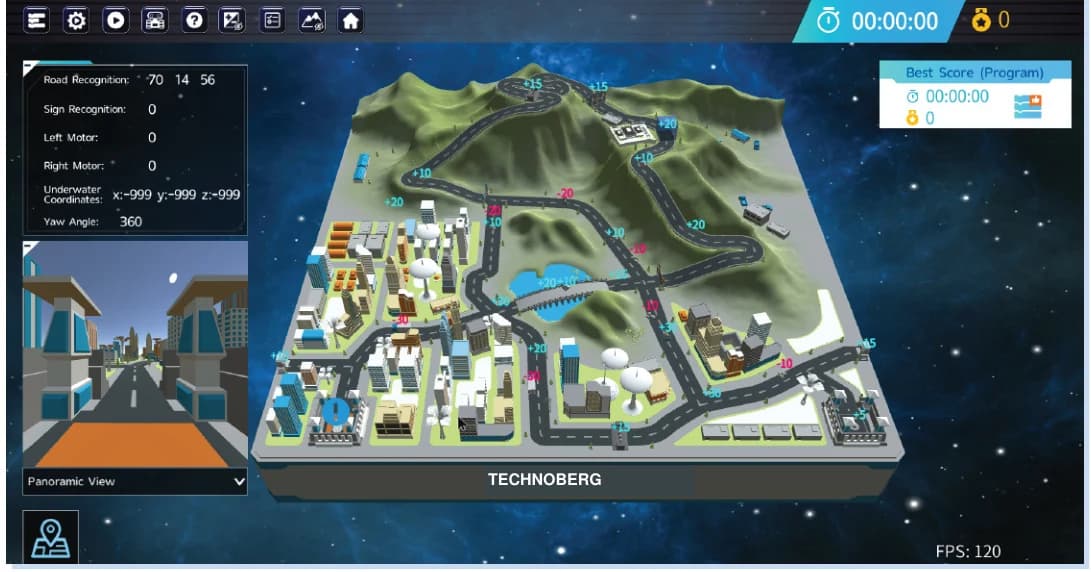
Virtual Robotics
Design, build and program robotic vehicles in a simulated city, and test ideas on screen first.
- Simulated challenges
- Works alongside the kits
Grade 10
InnovateAges 15 to 16
What students learn
Advanced AI, intelligent automation, responsible technology and capstone.
AI and advanced robotics: Python, AI concepts, computer vision and prototypes.
What they build and do
- Build a six-legged walker or a tracked arm from metal parts
- Program a humanoid robot’s movement in the action editor
- A capstone: a prototype that answers a real problem, presented to the school
Kits and tools
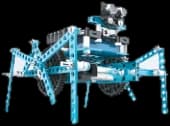
Metal Robotics Kit
Metal structural parts for functional robots, from a six-legged walker to a tracked arm.
- 380+ metal parts
- Ultrasonic, bump sensor and Bluetooth
- Scratch, Python and C
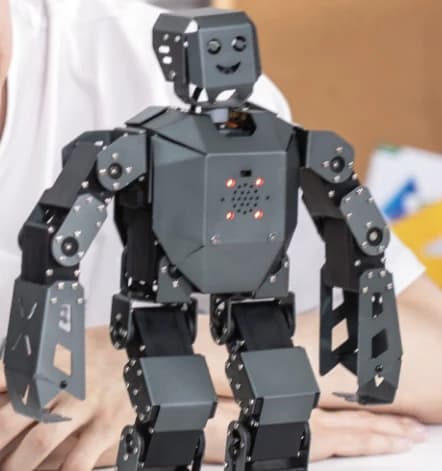
Humanoid Robotics
Humanoid robots with many sensors and precise servos. The Pro version adds AI vision for face and colour recognition.
- Servo-driven joints
- AI vision (Pro)
- Scratch, C and Python
Action Editor
Program many servos at once for smooth, humanlike movement, ideal for bionic design projects.
- Multi-servo timelines
- For humanoid robots
Research Humanoid
A full-size research humanoid, shown by the teacher: articulated movement, depth vision and onboard computing.
- 23 degrees of freedom
- Depth camera and microphone array
- Teacher-led demonstration
A suggested allocation: each kit’s stated minimum age applies, and the kits adapt to the school’s level, timetable and lab, with hardware reused across grades on harder projects.
How a lesson runs
Each session turns an idea into something students can see working. They do not only watch technology: they build it, test it and explain it.
60 to 80hours a year, designed to replace or strengthen the school’s computer period
- LearnUnderstand the concept.
- ExploreObserve and discuss.
- BuildAssemble the components.
- CodeProgram the behaviour.
- TestCheck and debug.
- PresentExplain the solution.
Teachers trained to deliver it
A school-ready programme needs trained people, not only materials.
- Initial training
- Curriculum orientation, kit handling and the classroom method.
- Demonstration sessions
- Model classes and walk-throughs of practical sessions.
- Delivery guides
- Lesson flow, activity instructions and safety notes.
- Technical support
- Hardware, software, troubleshooting and updates.
- Certification
- Recognition of each teacher’s participation and capability.
Ongoing support is available as a paid service: refreshers, upgrades, mentoring and help with implementation.
Educator Development ProgramProgress the school can see
Students are assessed on five skills, so a school can track progress and show it to parents.
- Knowledge
- Understanding the concepts.
- Practical skill
- Building and handling.
- Coding
- Logic and debugging.
- Creativity
- Design and problem solving.
- Presentation
- Explaining and demonstrating.
Each student receives a STEAM skill report, a project portfolio and certificates.

AI and robotics labs
Three lab models, proposed after a study of the school’s needs, space, students and budget. Setting one up takes three to six months.
Foundation AI and Robotics Lab
STEAM learning, coding, electronics, sensors and guided robotics projects.
Advanced AI and Robotics Lab
AI, IoT, embedded systems, robotics and structured project development.
FutureTech AI and Robotics Innovation Lab
Advanced robotics, automation, cybersecurity, research, prototyping and demonstration.
From first meeting to first lesson
Discovery
We study the school’s needs, map its grades and agree the scope.
Customisation
Curriculum alignment, kit selection and the timetable.
Training
Teacher onboarding, demonstration sessions and the support process.
Launch
Classroom delivery begins, with assessment tracked from the start.
What the school receives
- Implementation plan
- Curriculum map
- Kit list
- Teacher training plan
- Assessment model
Bring AI and robotics to your school
Start with a discovery visit: we look at your grades, timetable and space, and propose what fits.